

Get Free Audit →
Get Free Audit →
support@scaledudes.com
US · UK · UAE · KSA
support@scaledudes.com
US · UK · UAE · KSA
Home / Services / Creative Studio / A+ Content
SVC-03 · SVC-04 · Creative Studio
Branded modules that answer shoppers' questions, show your product in use and make your listing look like it belongs to a serious brand — designed to Amazon's specs and written from your real product data.
✓ Basic & Premium A+
✓ Copy + design
✓ Upload support
FROM THE MANUFACTURER · A+ PREVIEW
CONCEPT


Lightweight
Daily ritual

Calm routine

Gift-ready
COMPARISON CHART MODULE
CONCEPT
Size
30 ml
50 ml
100 ml
Skin type
All
Dry
Oily
Why A+ matters
Bullets tell shoppers what a product is. A+ shows them why it's right for them — with images, comparisons and brand context that plain text can't carry.
Tell the full story
Materials, use cases and the details that don't fit in five bullets.
Answer questions early
Sizing, compatibility and care — before they become returns or questions.
Cross-sell your range
Comparison charts point shoppers to the right size or bundle in your catalog.
Look like a real brand
Consistent colours, type and imagery across every ASIN you sell.
Basic vs Premium
Both require Amazon Brand Registry. Premium A+ eligibility is set by Amazon and changes over time — we confirm yours during the free audit.
FEATURE
Basic A+
IF ELIGIBLE
Modules per page
Up to 5
Up to 7
Image width
Standard (e.g. 970 px header)
Full width (e.g. 1464 px)
Comparison charts
✓
✓ Interactive
Video modules
—
✓
Hotspots, carousels & Q&A
—
✓
Best for
Every Brand Registered product
Hero products & premium ranges
Feature details follow Amazon's A+ Content guidelines at the time of writing and may change. Source: Amazon Seller Central A+ Content help pages.
Example designs
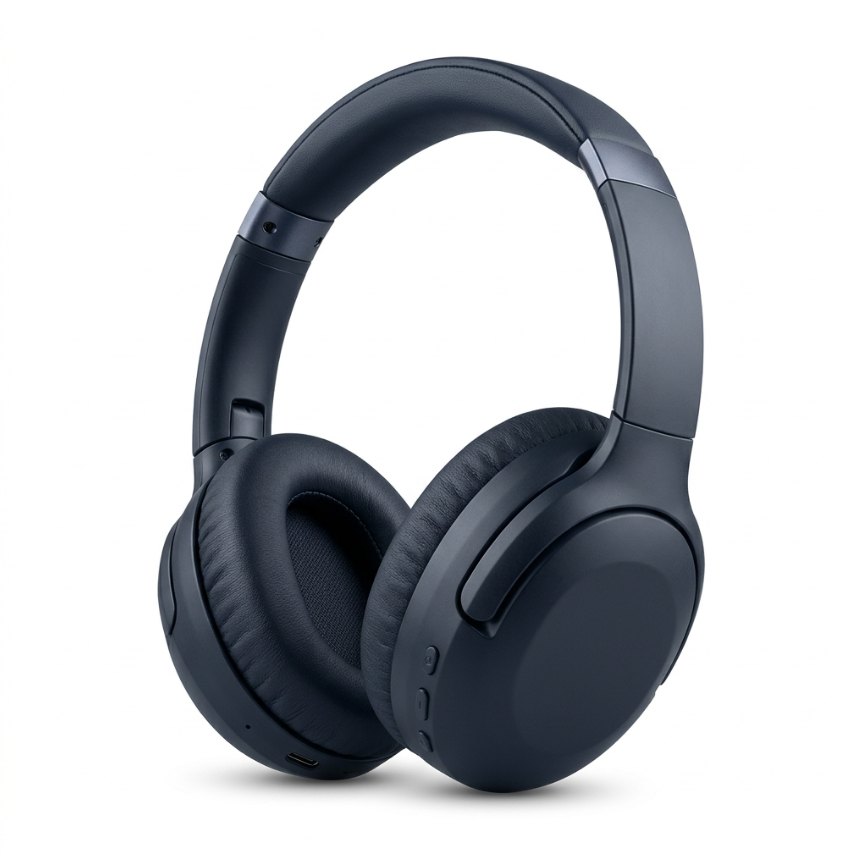
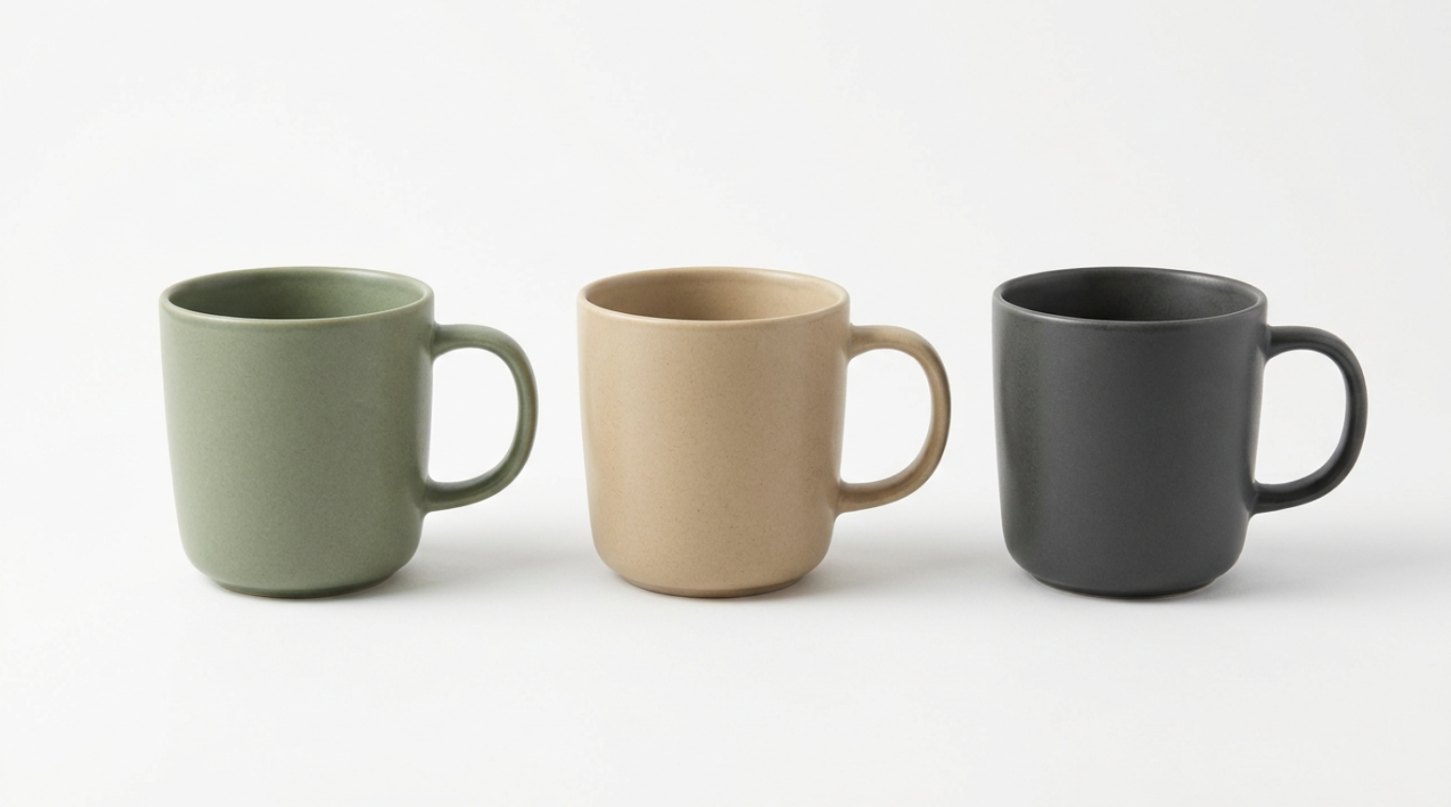

What you receive
01
Module plan & wireframe
Which modules, in what order, and why.
02
Copywriting
Headlines and body copy checked against A+ content rules.
03
Designed modules at spec
Export-ready images, checked on desktop and mobile.
04
Source files
Layered files so your team can update later.
05
Upload & approval support
We submit through your account permissions and handle rejections.
06
Agreed revision rounds
Confirm your standard revision policy.
How it works
Brief & assets
You share product info, photos and brand guidelines. We check A+ eligibility.
Wireframe & copy
You approve the module plan and text before design starts.
Design & review
Full designs, revisions and a mobile preview.
Upload & handover
Submitted for Amazon review; files and notes handed over.
A+ FAQ
Yes — A+ Content is available to brand owners enrolled in Amazon Brand Registry (and to some vendors). If you're not registered yet, we can help you prepare listings while registration completes.
It depends on the number of modules and ASINs. We confirm a schedule in your quote.
Yes, if they're high-resolution and meet Amazon's image guidelines. We'll tell you which images work and which need a new shoot or edit.
Amazon reviews every A+ submission. If content is rejected, we read the reason, correct it and resubmit.
Yes. One layout can be applied to several ASINs — a product line or variation family — as long as the content is accurate for every product it appears on.

Send us your ASINs — we'll check eligibility and suggest a module plan.